MCP is here
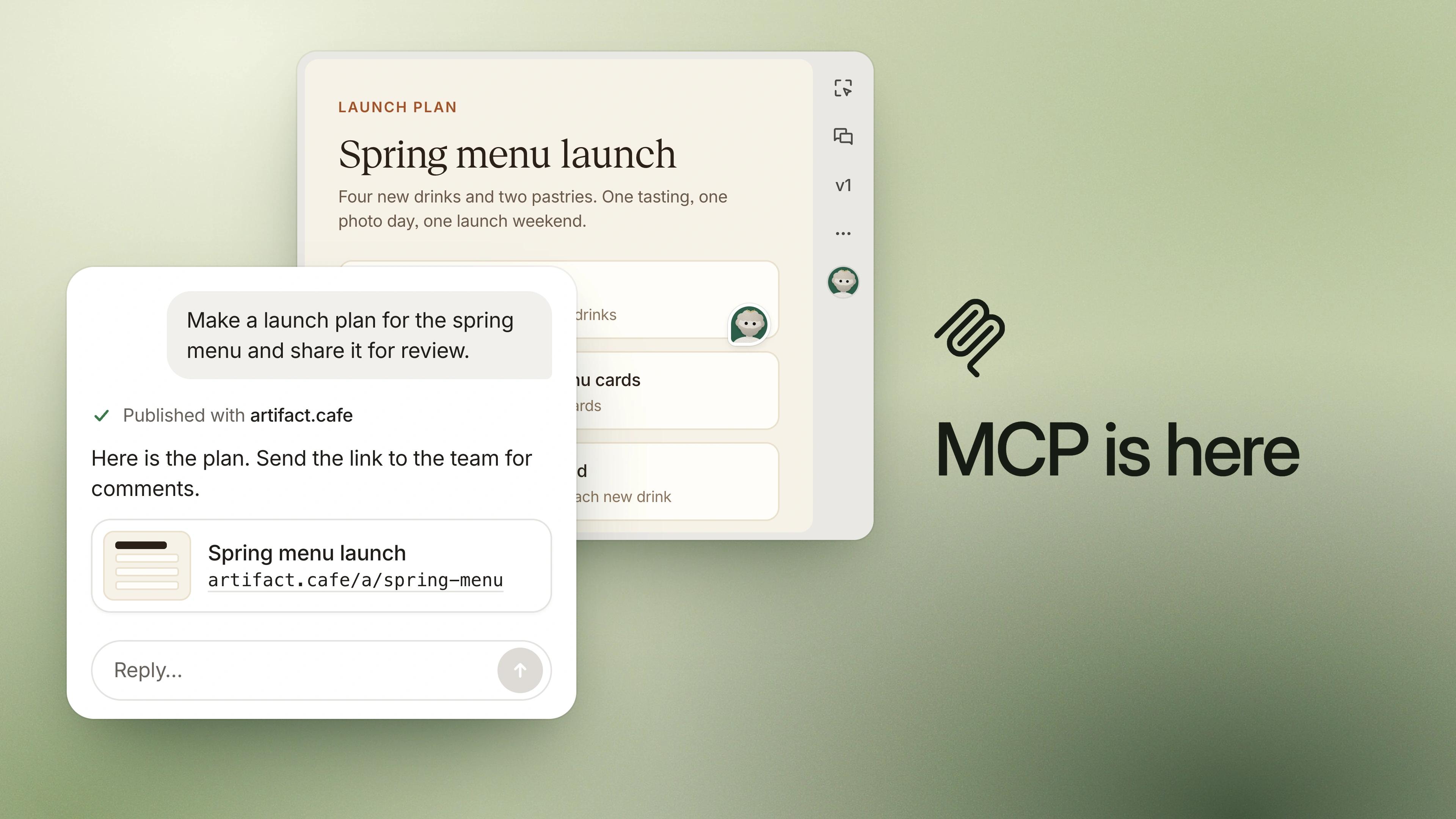
Ask Claude or ChatGPT to publish an artifact for review. In the same chat, you can open an artifact and reply to its comments.
-
Connect any agent. Add
https://artifact.cafe/mcpto an agent that supports remote MCP. In Claude or ChatGPT, add it by hand and sign in to artifact.cafe.Neither app lists artifact.cafe in its directory. For full custom MCP access in ChatGPT, you need a Business, Enterprise, or Edu plan.
-
Use an API key. You can connect Claude Code, Codex, or Cursor with an account API key. For Cursor, an API key is the only way to connect.
-
Choose workspaces. When you sign in with OAuth, select the workspaces the app can use. In Settings > Security > MCP, you can see each connected app and select Disconnect.
-
Approve access changes in your browser. Open the approval link from your agent to approve wider visibility, password changes, or invitations.
A tab bar for reviewing on your phone
On a phone, Menu, Select, Comments, Versions and More sit in one bar at the bottom of the screen. Scroll to read, and the bar becomes a pill.
The Inbox is on for everyone
Every thread that needs you is in one list in the sidebar. Mark threads as read, pin them, and peek at the commented spot without opening the artifact.
Improvements2
- DashboardThe Inbox is now on for every member. It shows every thread that needs you in one list, and it replaces New comments in the sidebar. You do not need to turn it on in Experimental.
- ReviewSwipe right to open the workspace sidebar. Tap the title pill or scroll up to reopen the bar. Find Share and your account in More. On supported phones, feel a tick when you tap a tab or page through versions.